
◷
Missed
An expected task doesn’t happen when it should.
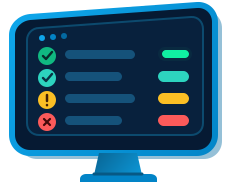
Did your critical software perform as expected?
ProxiQueue makes it simple to monitor critical software and know whether it performed as expected.
For example: Nightly billing completed, but only processed 12 invoices when 20 were expected.
What ProxiQueue catches
An expected task doesn’t happen when it should.
A task runs but fails before it finishes successfully.
A task starts but takes longer than expected to finish.
A task finishes successfully, but the result does not meet your expectation.
What critical software does your business depend on?
Your business may depend on software running inside your own systems or in business systems you rely on. ProxiQueue gives you one place to know whether that software performed as expected.
Imports data
An import can complete successfully but bring in far fewer records than expected.
Syncs systems
A sync can fail, take too long, or leave fewer records synchronized than expected.
Generates reports
Report generation can finish successfully but produce only some of the expected reports.
Processes orders or files
Processing can complete while handling fewer orders or files than expected.
Sends scheduled communications
A send can finish but deliver fewer invoices, reminders, or notifications than expected.
Runs backups or exports
A backup or export can be missed, fail, or complete with less data than expected.
If your business depends on critical software, ProxiQueue helps you know whether it performed as expected.
How ProxiQueue knows
What should happen
A task runs nightly, finishes within about 30 minutes, and processes at least 100 records.
What actually happened
The task ran and processed 37 records.
What ProxiQueue knows
The task completed, but the result was not what you expected.
Ways to Connect to ProxiQueue
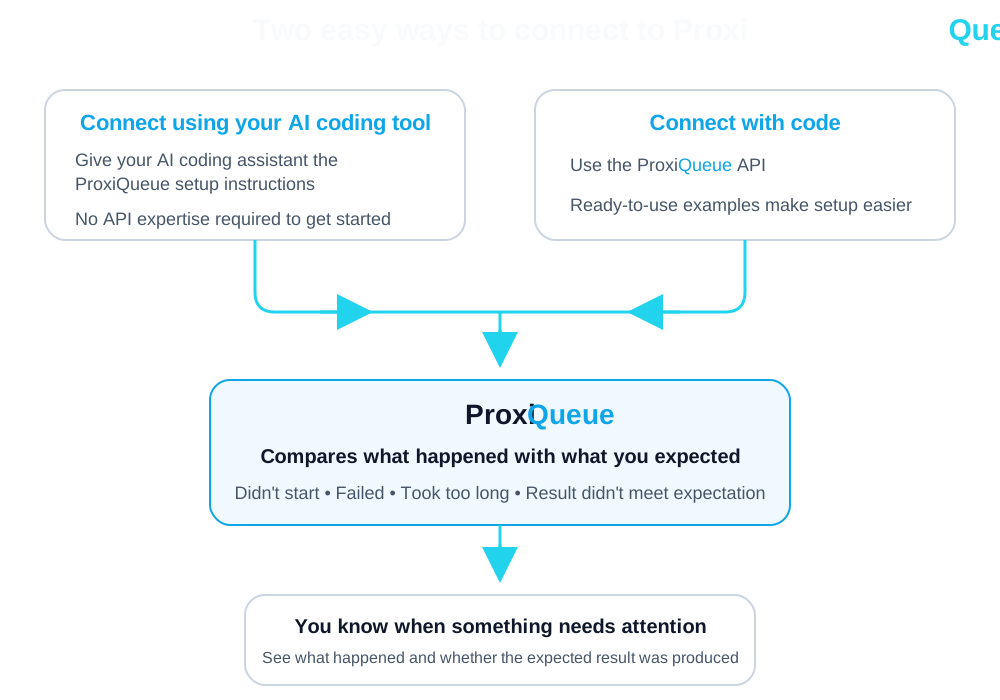
Different systems provide information in different ways. Both connection methods give ProxiQueue the information it needs to compare what should happen with what actually happened.
ProxiQueue API
A flexible way for custom software to report what happened—including execution and, when applicable, the result it produced.
ProxiQueue Integrations
PlannedEasier ways to connect supported business systems to ProxiQueue, reducing the technical setup required to monitor them.
Planned integrations include Stripe, QuickBooks Online, and WooCommerce. These integrations are not available yet.
Early access
Join early access to know whether your critical software performed as expected—and when something needs attention.